

Simple visible watermarks
Add text, graphic, signature, or QR watermarks so a photo keeps your name, brand, or contact info wherever it travels.
Classic iPhone and iPad Watermarking
iWatermark is the straightforward mobile tool for protecting photos with visible authorship. It is built for people who want to add a name, logo, signature, QR code, or contact mark quickly, save the result, and move on. It is lighter and easier to approach than iWatermark+, while still covering the essentials that photographers, artists, businesses, and everyday creators actually need.
Use it when you want a clean mobile workflow: choose a photo, apply a saved watermark, adjust it with touch, and export a protected copy. It is especially good when your goal is clear attribution instead of a larger production-style editing surface.
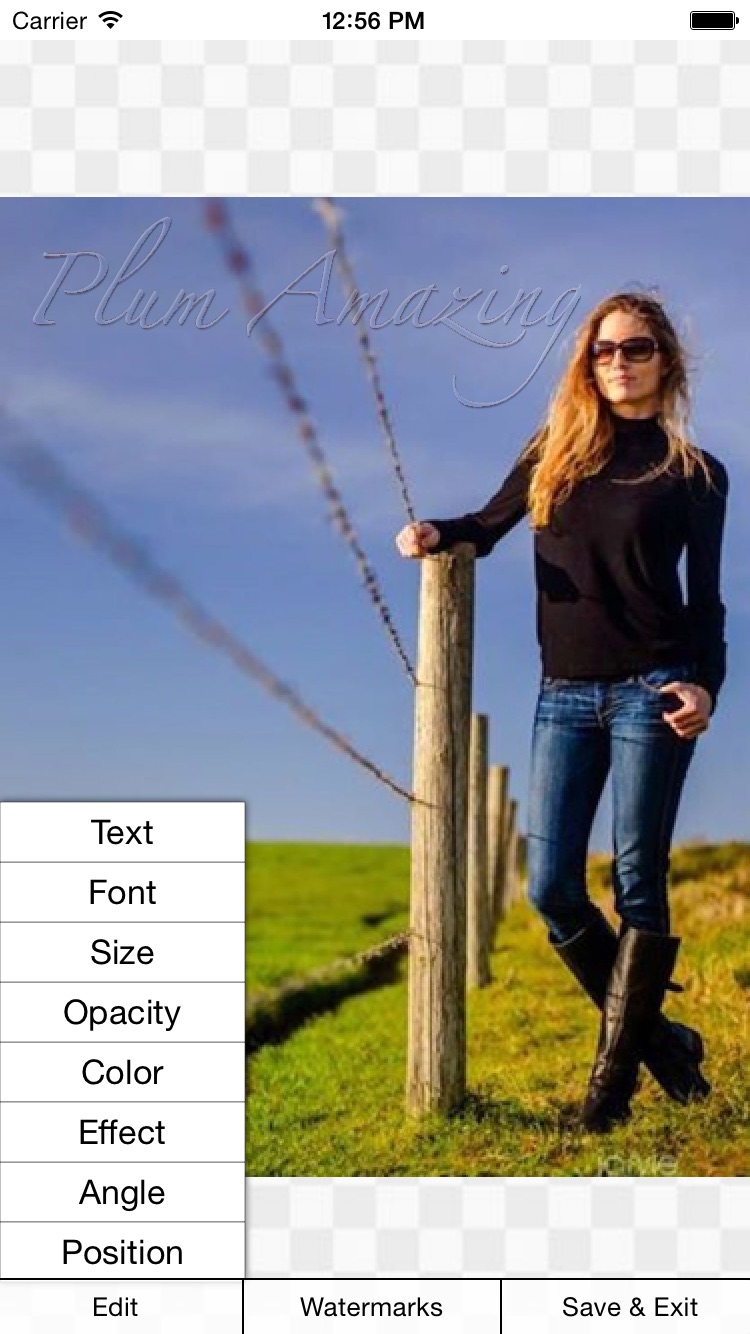
Add text, graphic, signature, or QR watermarks so a photo keeps your name, brand, or contact info wherever it travels.
Move, resize, and rotate the watermark directly on the image with gestures that feel natural on iPhone and iPad.
Build a watermark once, save it, then reuse it across single photos or a batch when you need to work quickly.
iWatermark works on a copy of the photo, so the original stays untouched while you prepare a protected version to share.
The old product page always framed iWatermark as the easy way to protect photos fast. That is still the right feel. These screens show the classic rhythm: pick the image, build the mark, then fine-tune it right on the device.
"By far the best watermarking App I've seen to date on iOS."
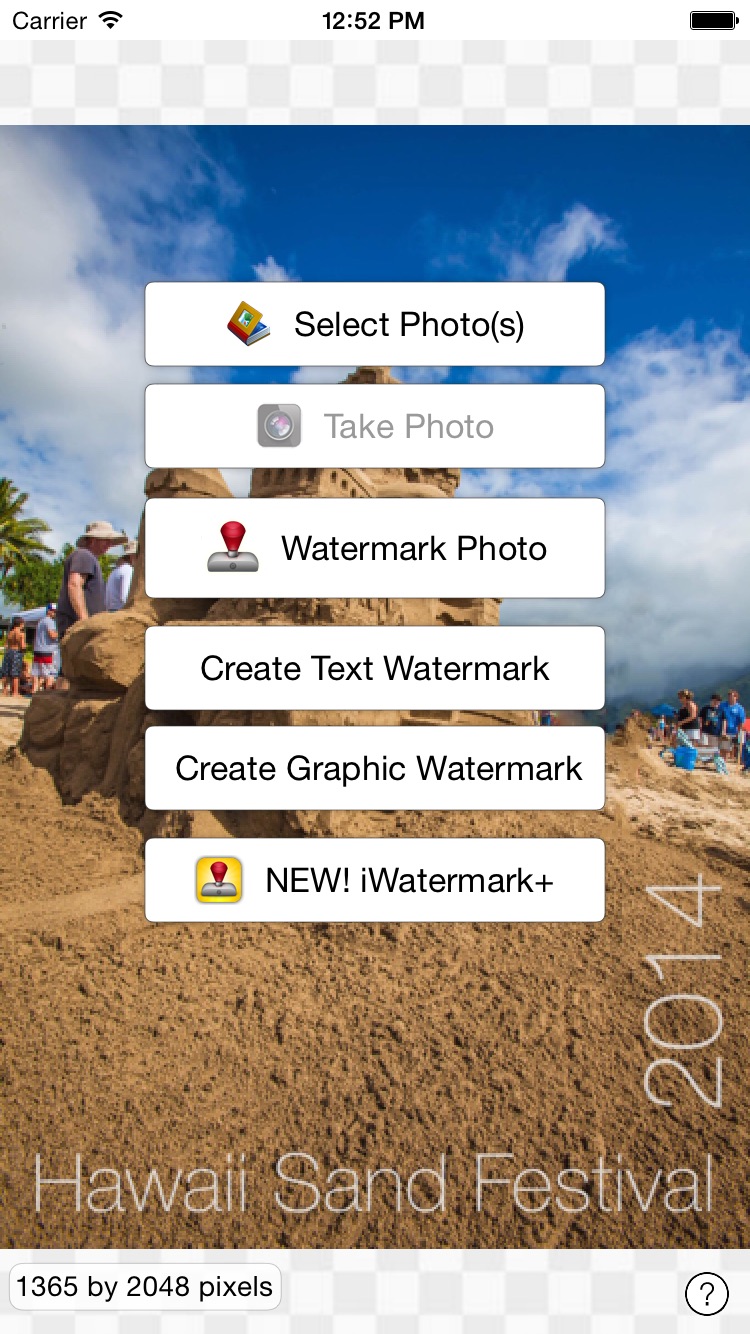

The legacy material describes iWatermark as the easy mobile way to create a watermark once, reuse it, and protect photos without changing the original image. That is still the right way to think about it.
Start with text, use one of the included examples, or import a logo or scanned signature.
Pinch, drag, and rotate the mark right on the image until it feels balanced instead of pasted on.
Export a finished copy for your library, email, social posting, or client delivery while keeping authorship visible.
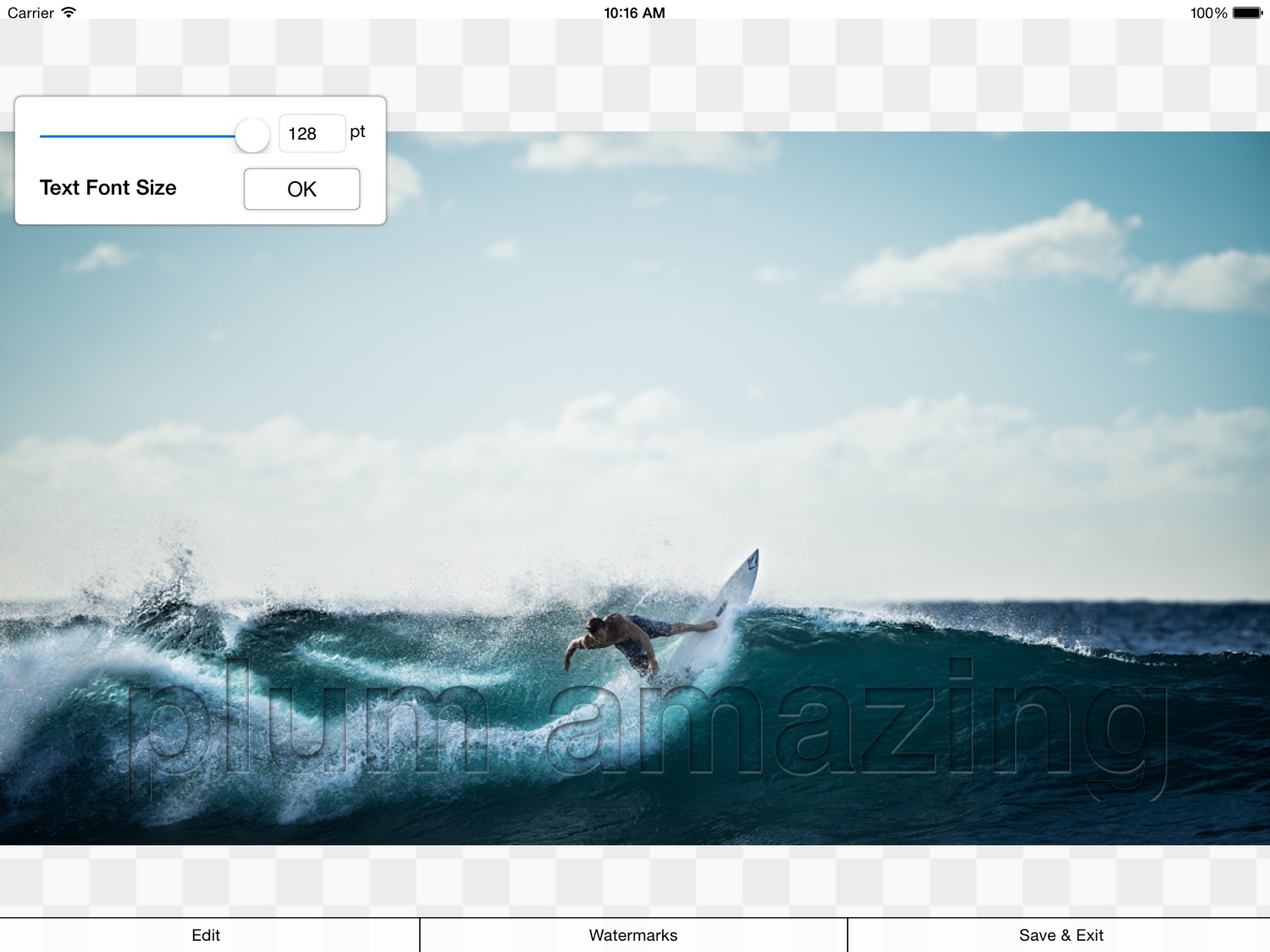
iWatermark on iPad keeps the classic focus but gives sizing, placement, and readability more breathing room. That wider working area is especially nice when you are making a watermark readable without letting it overpower the photo.
"A great app for helping you secure your copyright on your images."
"A fantastic tool that can help you easily create as well as implement your watermark."
These are related, but they are not the same product. iWatermark is the simpler app. iWatermark+ is the premium, more complex tool for people who want the larger feature set.
It is the straightforward iPhone and iPad watermarking app: quick setup, clear controls, and a lighter mental load.
If you need the bigger toolkit, the Apple Photos extension flow, or the broader premium feature set, that is what iWatermark+ is for.
User reviews coming soon.
No tutorials available for this app.
Select your platform and app to view the complete manual in a new window.
No previous versions available for this app.