
Write with a starting point
Use a guided template or bring your own text. Organize speeches, poems, sermons, lyrics and scripts in a searchable library.
The rebuilt SpeechMaker Android beta brings speech writing, stage cues, Voice Follow, teleprompting and rehearsal tools together. Anyone can experience relaxed speech on or off stage.
Rebuilt for Android · Open beta
Anyone Can Experience Relaxed Speech On Or Off Stage.
SpeechMaker 2 is a fresh native Android app built with Kotlin and Jetpack Compose. Turn a few notes into a speech, add your stage cues, then practice until the words feel like yours.
Version 2.0.0 · Build 15 · Android 8.0+ · 37.2 MB APK
Free beta trial. This testing app installs separately from the Google Play edition.
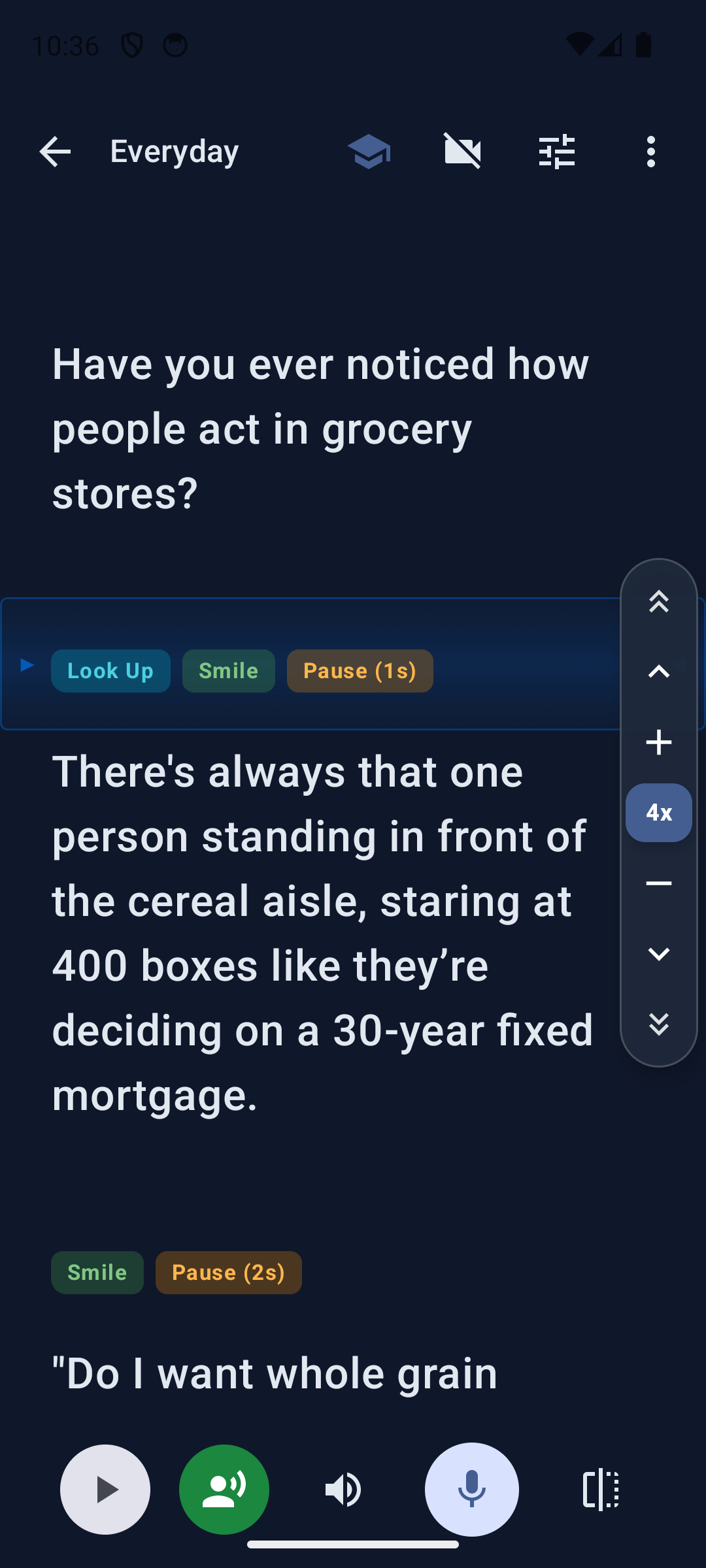
Start with your idea, a template or an imported document.
Adjust the pace and add cues for the moments that matter.
Choose a readable view, find your rhythm and speak.
What's new in version 2
The new app brings writing, prompting, recording and practice feedback into one workflow.
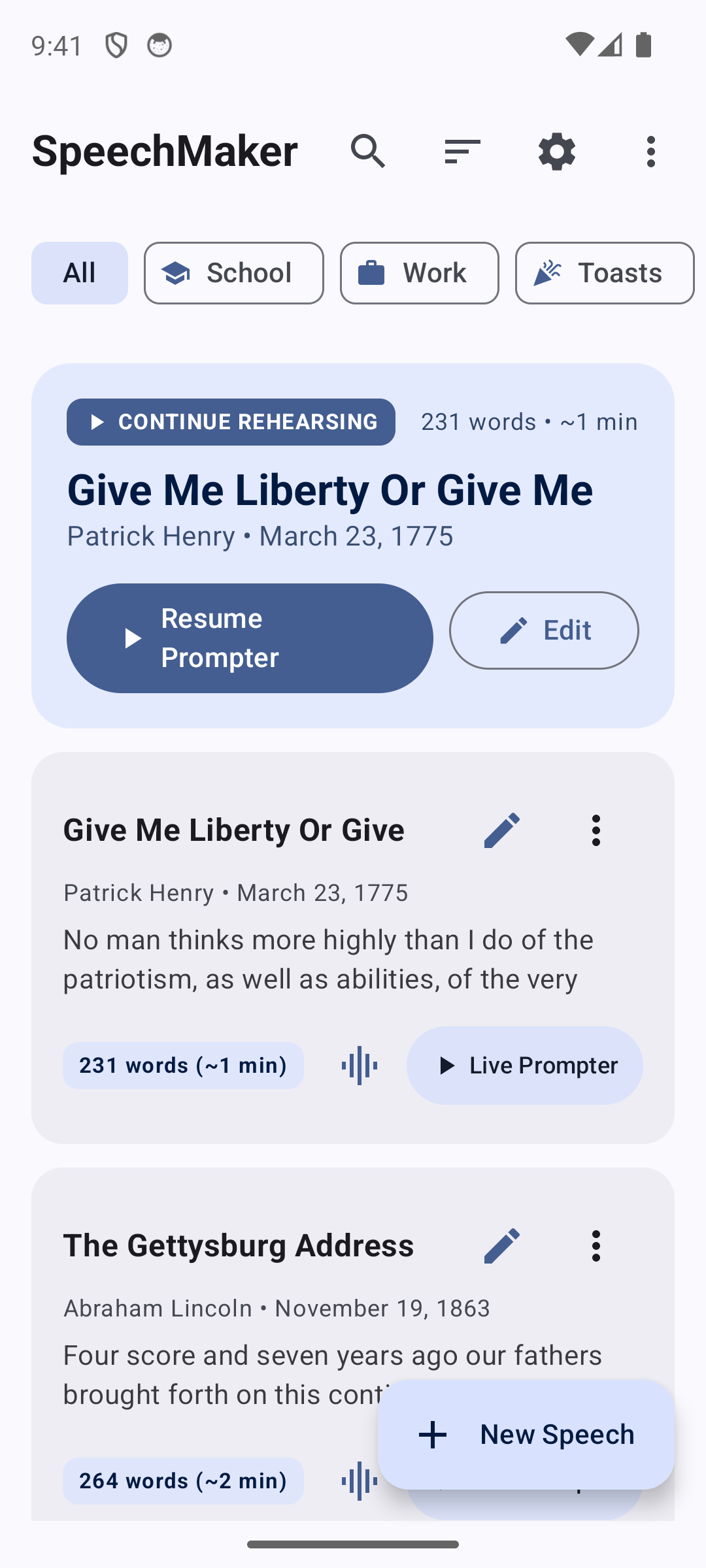
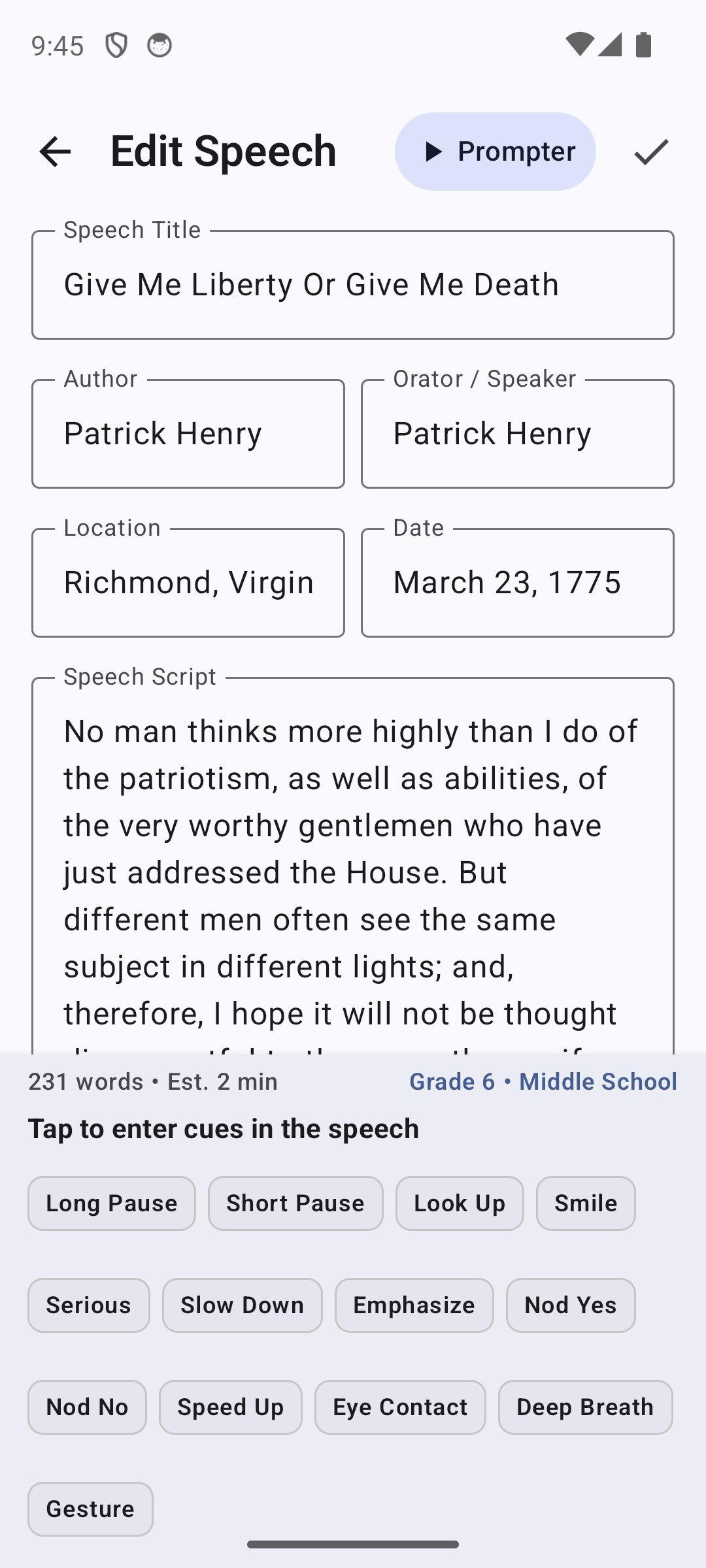
Use a guided template or bring your own text. Organize speeches, poems, sermons, lyrics and scripts in a searchable library.
Insert reminders to look up, smile, pause or breathe. Choose cue sets for speeches, theatre, music, poetry and film.
Set a comfortable scrolling pace, adjust type and colors, and use the slim SpeedRail to move through your script.
Voice Follow matches recognized words to your script. On-device availability and offline support depend on your phone and language model.
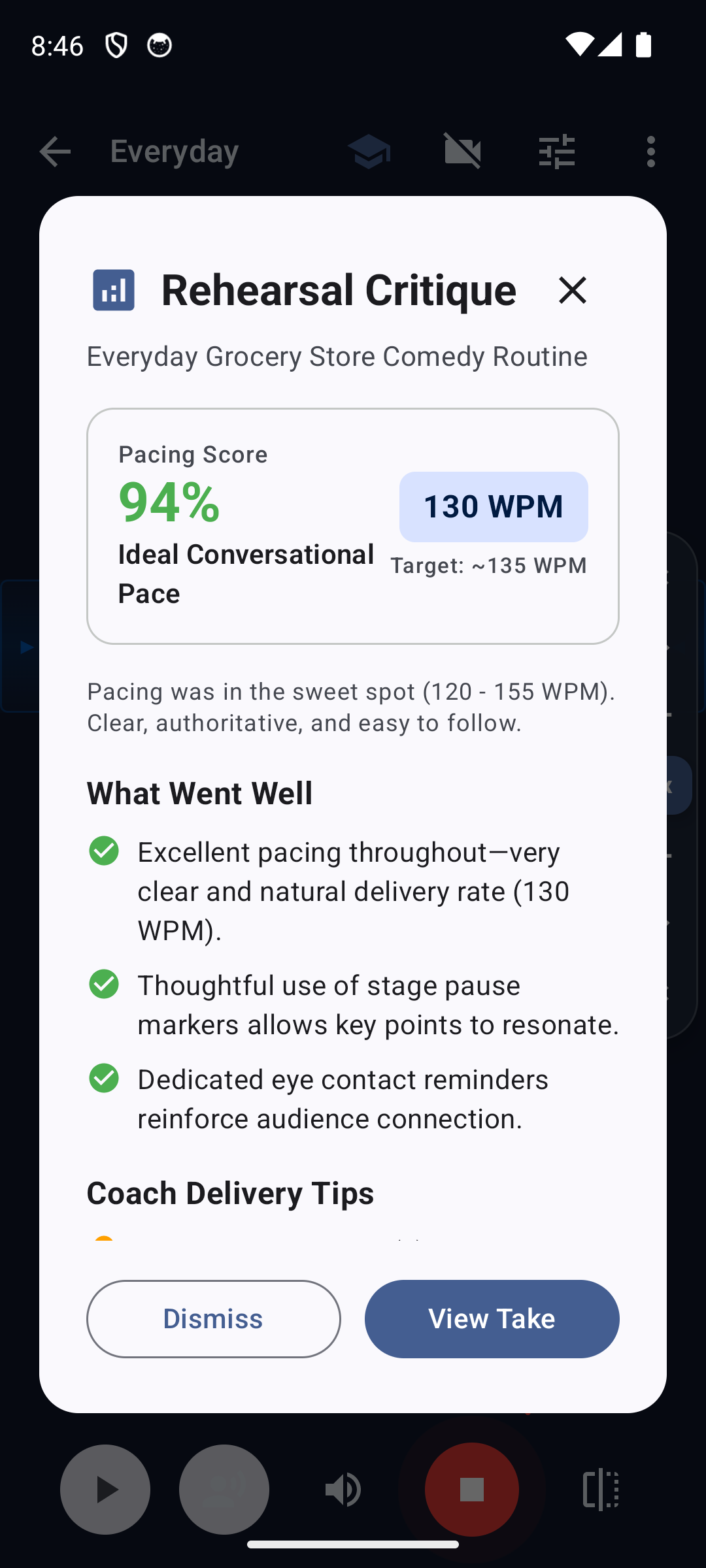
Record audio or front-camera video. Review your take and use script-based coaching prompts and estimated average pacing to plan another rehearsal.
Try practice questions or Audience Link for feedback over a local Wi-Fi network. Export a formatted PDF or share your text.
Help shape the next release
Try your own speech, your preferred text size and the way you actually rehearse. We'd love to know what works, where you lose your place, and what would help you speak more comfortably.
Send feedback to Plum Amazing →This is a debug-signed testing build, not a Google Play update. It has separate app data and does not replace your Play installation. Keep copies of speeches and recordings you want to retain. Paid purchases and web-store license activation are not verified for this beta.
The supplied handoff records Android 15 testing. Android 16/17 compatibility is expected and needs device testing. Voice recognition availability, permissions and language packs vary.
Installation notesDownload checksumsA toast, a classroom talk, an audition or a presentation. Give yourself a little room to practice.
Looking for the previous store edition? Google Play listing. Browse the Plum Amazing Store.
उपयोगकर्ता समीक्षाएँ जल्द उपलब्ध होंगी।
No tutorials available for this app.
Select your platform and app to view the complete manual in a new window.
No previous versions available for this app.
Plum Amazing स्टोर के त्योहारी ऑफ़र का समय शेष
त्योहारी ऑफ़र और लाइसेंस सहायता