
01
Speak
Hold your hotkey, or toggle recording on and off. Paste the finished text into the app where you are working.
Words → accurate recordFree public beta · for Mac
The oldest job in the office. Powered by the newest AI.
Speak naturally. The Secretary captures your words, lets you choose the engine, and turns speech into something useful. Hold a key while you talk-or press once to start and once to stop-then the completed thought appears where you were working.
Version 1.0 beta (4) · Updated 2026-10-12 · macOS 13 or later. Apple silicon or Intel. Signed and notarized. Optional cloud services bill separately. Please help us test real-world dictation before the final release.
Start simply. Explore when you are ready.
Start with Apple Speech or Local Whisper for transcription without per-minute provider fees. Cloud engines and paid text analysis are optional, not prerequisites.
01
Hold your hotkey, or toggle recording on and off. Paste the finished text into the app where you are working.
Words → accurate record02
Compare local and cloud engines. Add vocabulary hints for your names, products and technical terms.
Choices → right service03
Find dictations in the Log. Optionally request summaries, action items, key points, chapters and sentiment.
Draft → stronger resultEnrichment is a separate Gemini or OpenAI text request, including when transcription is free. It appears in the Log when ready, not in the pasted dictation. Automated Concierge and Coach roles are future ideas, not features of this beta.
The visual cabinet
Typewriter, Dictaphone, shorthand notebook, Secretary and stenographer’s pad all belong to one retro office world. These illustrations give our new Mac app a familiar personality.

The modern relatives
The voice, six choices, and finished text stay the same. Only the atmosphere changes. These earlier studies can still represent the six-engine system underneath the retro personality.
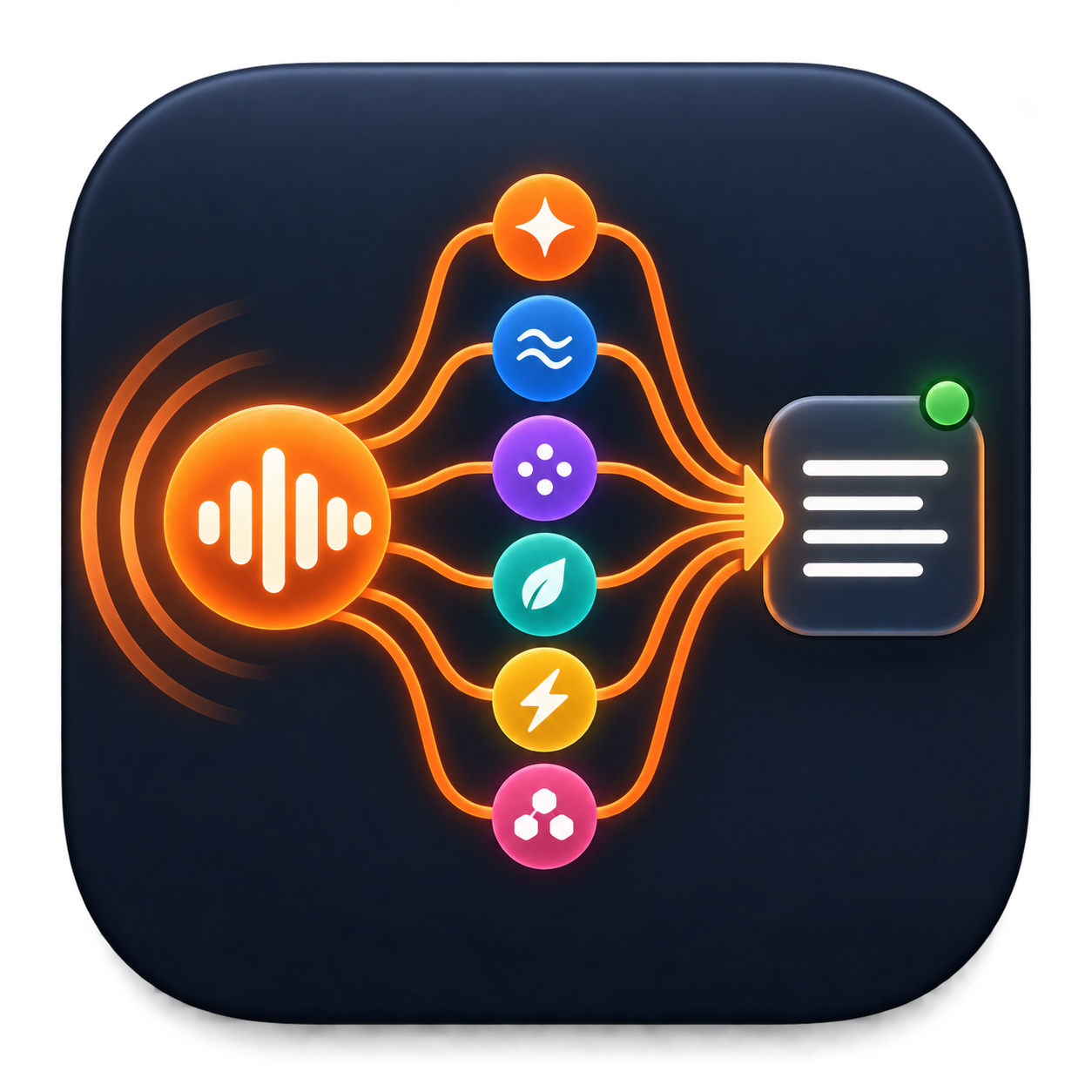
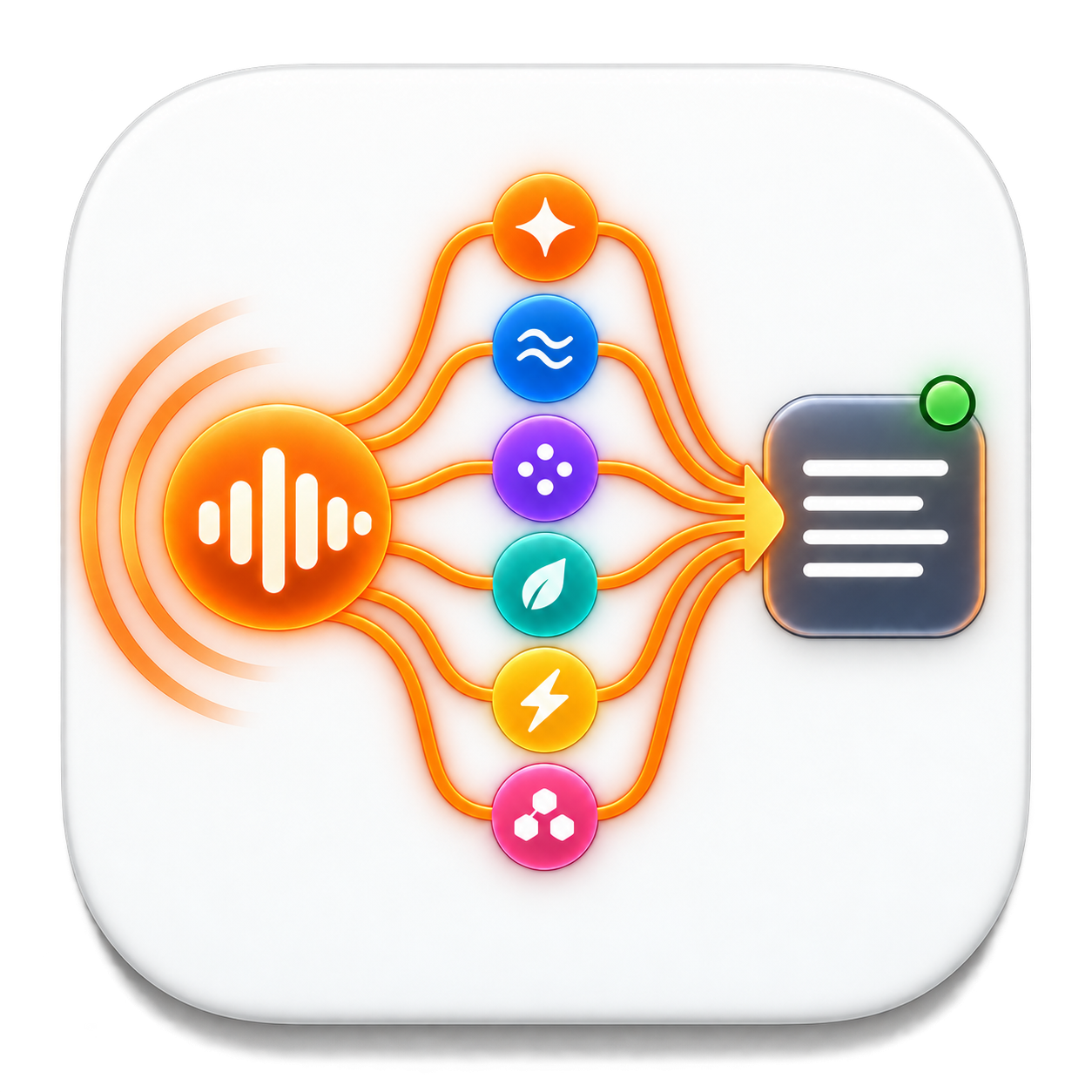
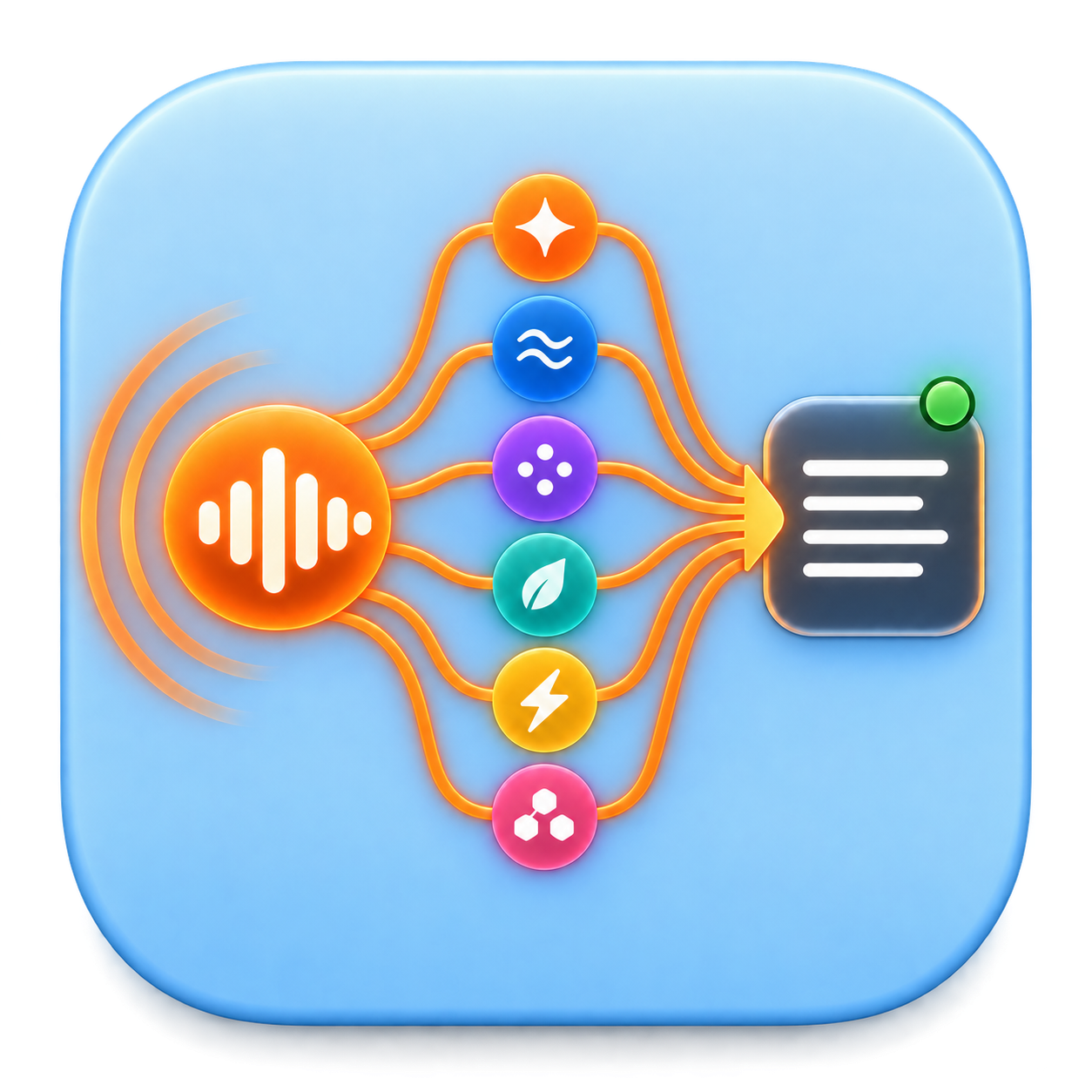
One app. Six approaches.
The fastest engine is not always the most private, the broadest in language support, or the best at cleaning up a wandering thought. The Secretary puts all six choices in one place-with room for more as speech technology improves.
| Compare | Apple Speech | Local Whisper | Gemini 3.5 Transcribe | GPT Transcribe | GPT Live Transcribe | Meta Muse |
|---|---|---|---|---|---|---|
| Runs | On Mac | On Mac | Cloud | Cloud | Cloud stream | Cloud |
| Result timing | After stop; preview optional | After stop | After stop | After stop | Streams; final after stop | Experimental |
| Words while speaking | Local preview | No | No | No | Yes | No |
| Language reach | Varies by Mac | Multilingual; varies by model | Varies by provider | Varies by provider | Varies by provider | Unverified |
| Cleanup | Limited | Conservative local cleanup | Prompt guidance | Prompt guidance | Prompt guidance | Unverified |
| Vocabulary help | Context hints | Prompt hints | Prompt guidance | Prompt guidance | Live keywords | Keywords |
| Speaker labels | No | No | Not in app | No | No | Optional |
| Translation | Via Gemini | English locally; others via Gemini | Via Gemini | Via Gemini | Via Gemini | Via Gemini |
| Audio privacy | Local | Local | Google cloud | OpenAI cloud | OpenAI cloud | Meta cloud |
| API key | No | No | Gemini | OpenAI | OpenAI | Meta + billing |
| Provider charges | No per-minute fee | No per-minute fee | Your provider account | Your provider account | Your provider account | Experimental; verify billing |
Recognition speed and quality vary with your Mac, microphone, language and provider. Meta access, coverage, billing and reliability remain experimental. Test important recordings before relying on any engine.
Choose objectively
The table describes what The Secretary exposes. A provider may offer other capabilities outside the app. Swipe or scroll sideways on a smaller screen.
| Engine | Where and when | Best at | Cleanup | Vocabulary | Languages | Live behavior | Cost |
|---|---|---|---|---|---|---|---|
| Apple Speech | On this Mac Final result after stop; optional local partial words | Everyday speed, privacy and offline use | Apple punctuation; limited cleanup control | Up to 100 contextual hints | Varies by macOS locale and downloaded resources | Local preview | Free |
| Local Whisper | On this Mac Final result after release; Base or Small model | Private multilingual work without API fees | Model punctuation; conservative local cleanup | Private prompt guidance | Multilingual; quality varies by language and model | No provider partials | Free after 145 MB or 483 MB download |
| Gemini 3.5 Transcribe | Google cloud Completed recording uploads after release | Polished Smart dictation and code-switching | Strong punctuation, filler removal and paragraphs | Prompt guidance in this build | Provider-dependent; target translations use Gemini afterward | No provider partials in this build | Paid provider account; estimate shown in the app |
| GPT Transcribe | OpenAI cloud Completed recording uploads after release | Accuracy, accents, code-switching and technical names | Smart or Verbatim prompt guidance | Included in the transcription prompt | Broad multilingual recognition; target translations use Gemini | No provider partials | Paid provider account; estimate shown in the app |
| GPT Live Transcribe | OpenAI cloud Streams while you speak; saved-file fallback | Low-latency cloud words while talking | Smart or Verbatim guidance; early words may change | Live keyword hints plus fallback prompt | Multilingual live speech and code-switching | Genuine cloud live text | Paid provider account; estimate shown in the app |
| Meta Muse | Meta cloud · experimental Prepared WAV uploads after release | Testing keyword hints and optional speaker labels | Not verified enough for a dependable comparison | Keyword metadata | Coverage for this endpoint is not publicly verified | No provider partials; optional speakers | Experimental; verify access and billing before use |
The app's cost figures are estimates, not invoices. Provider prices, taxes, free tiers and account terms can differ. Meta Muse access, coverage and pricing remain experimental.
Requirements
Vocabulary
Add names, products and technical terms once. The Secretary sends them to the selected engine as contextual hints, prompt guidance or keywords. It does not alter the separate vocabularies used by Apple Dictation or Voice Control, and no engine can guarantee a hinted spelling.
Licensing
This public beta is free. Purchase reminders and evaluation-day counting are inactive until a future build has a working store. Saved API keys and preferences are not erased by reminders. Google, Meta and OpenAI accounts are always separate and bill their own API use. Apple Speech and Local Whisper have no per-minute provider fee.
Privacy follows the engine
Apple Speech and Local Whisper can keep audio on the Mac. Gemini, Meta and OpenAI send audio to their services. Optional target-language translation sends the finished transcript text to Gemini, and AI enrichment sends finished text to Gemini or OpenAI. API keys are kept in Apple Keychain.