
PixelStick Pro - The Relative Ruler That Measures Distances, Angles and Colors Anywhere on the Screen
Meet PixelStick Pro, the new Swift and SwiftUI relative ruler for measuring distance, angle and color across the entire Mac screen.
Today we’re introducing PixelStick Pro, the relative ruler that measures distances, angles and colors anywhere on the Mac screen-not only inside one particular app.
Calibrate PixelStick once against something you already know: a map scale, microscope legend, astronomy image scale or a bar on the included Calibration Card. Measurements after that can use the units that matter to your work, from microns and inches to miles, fathoms, leagues, astronomical units and light-years.
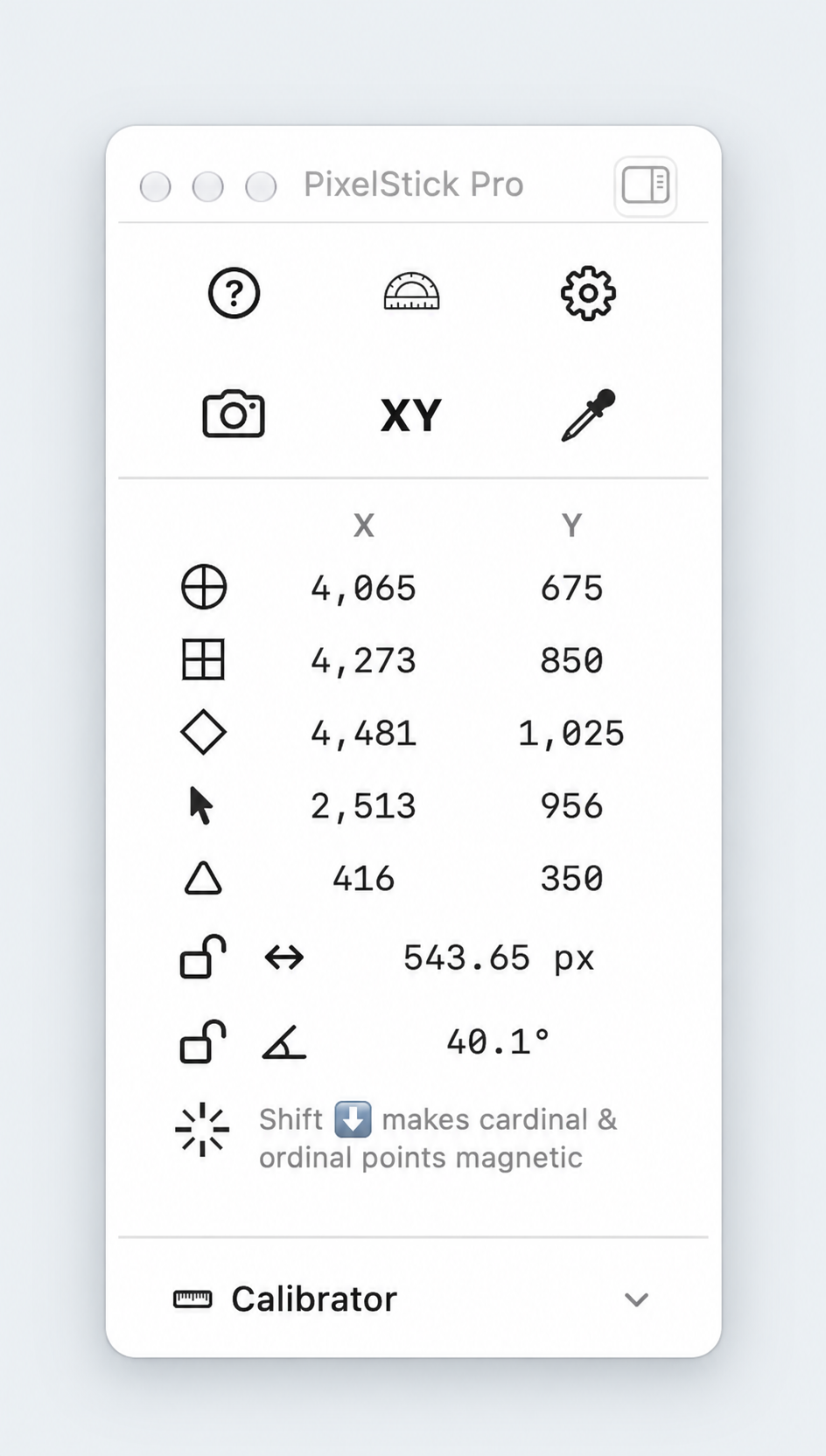
PixelStick Pro is completely rewritten in Swift and SwiftUI. It adds a live adjustable magnifier, eyedropper, color history, straight and circle guides, saved calibrations, Scan Legend, Map Mode, Snap Frame screenshots, Shortcuts and App Intents, and support for multiple monitors.
The new release also tells a remarkable PixelStick story: Phil, a retired electrical engineer, used the original app to measure structures on integrated-circuit dies and now uses it in astrophotography. The scale changed from microns to the night sky; the Relative Ruler stayed useful.
Read the PixelStick Pro press release or download the PDF.
Download PixelStick Pro and try all features free for 15 days. No credit card is required. You can also visit the PixelStick product page for screenshots, comparisons and purchasing options.
